How it works
Prescribed on the web. Logged in the gym.
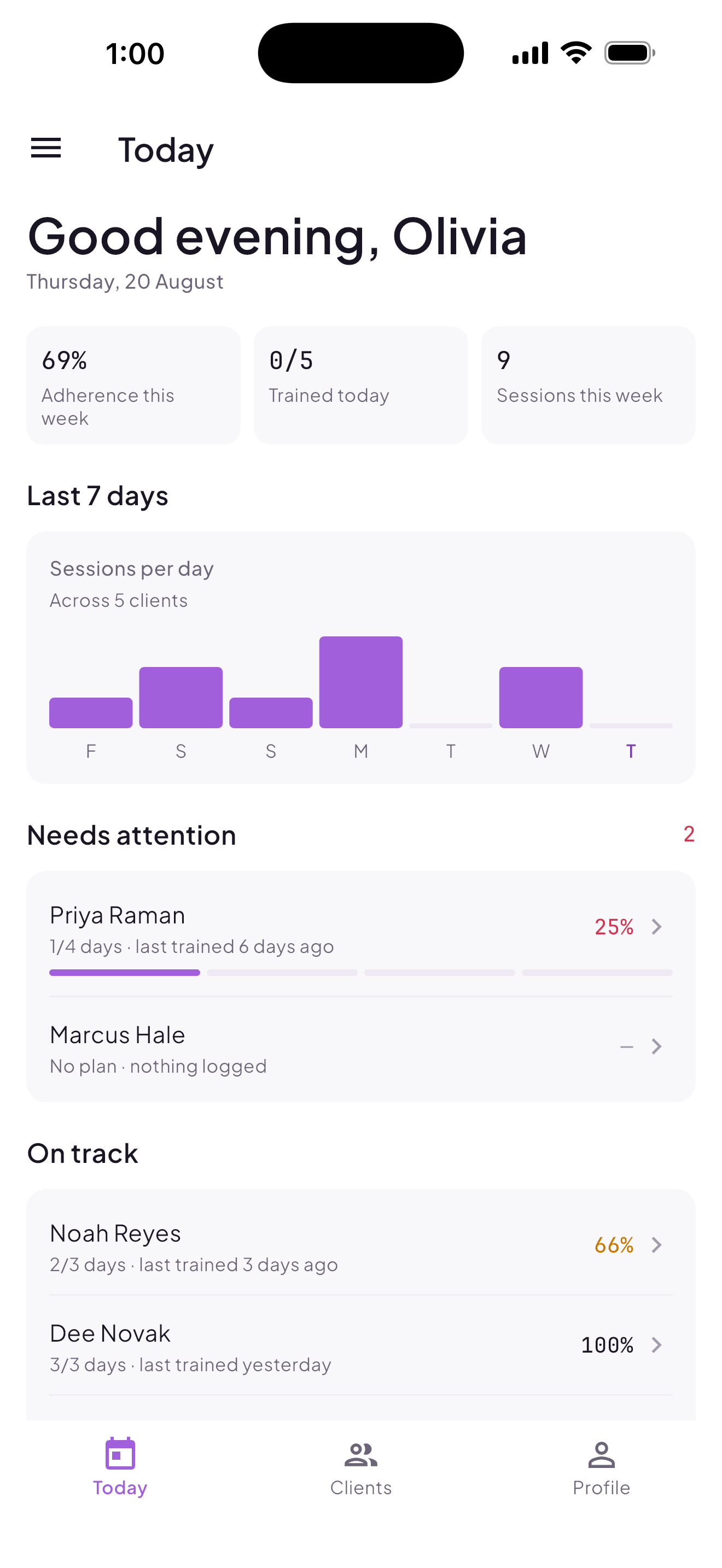
The trainer builds the program, assigns it, and sees who trained. The client opens the app, sees today's session, and logs it set by set.
The short version
Three steps, every time.
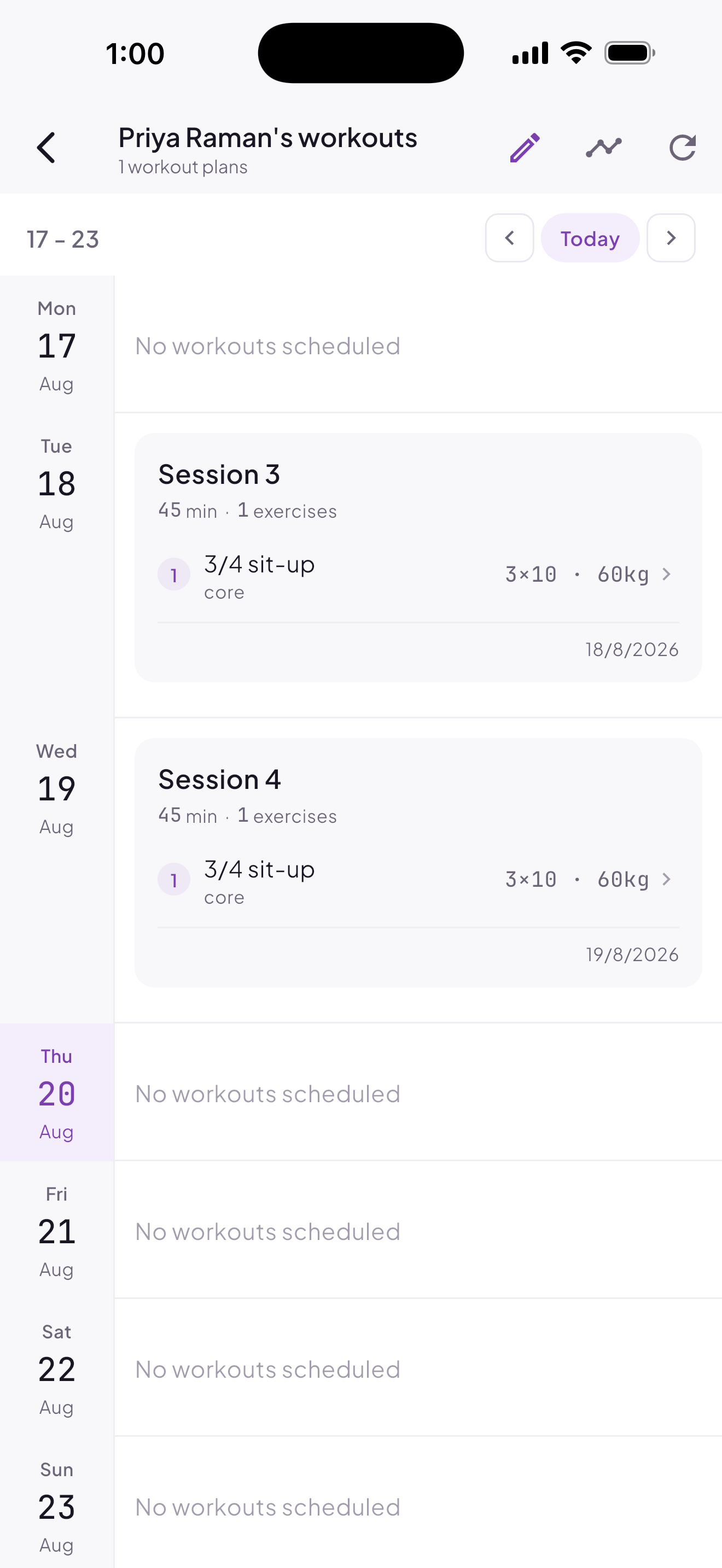
The trainer writes the plan
Build a program on the web, day by day (sets, reps, weight, rest, notes), and assign it to a client or a whole group.
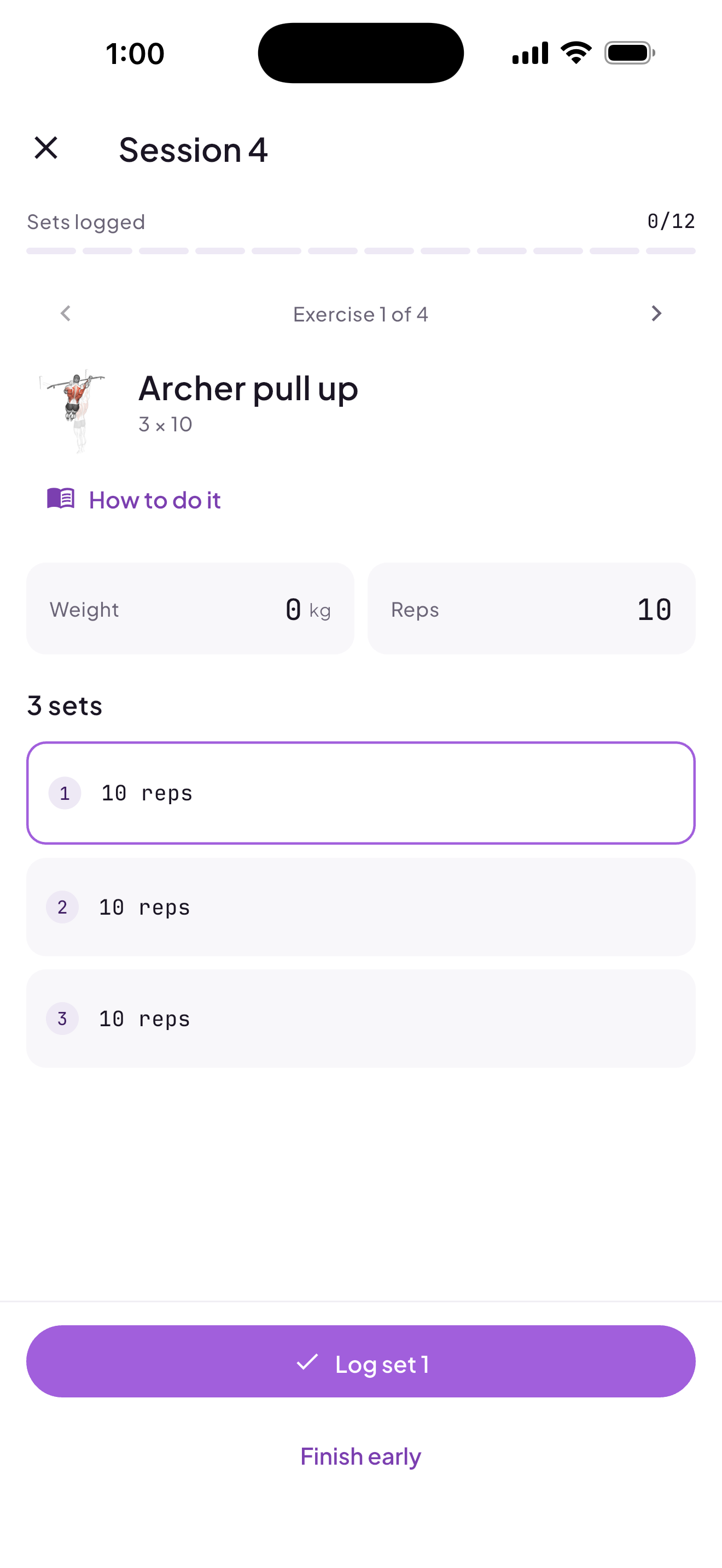
The client logs the session
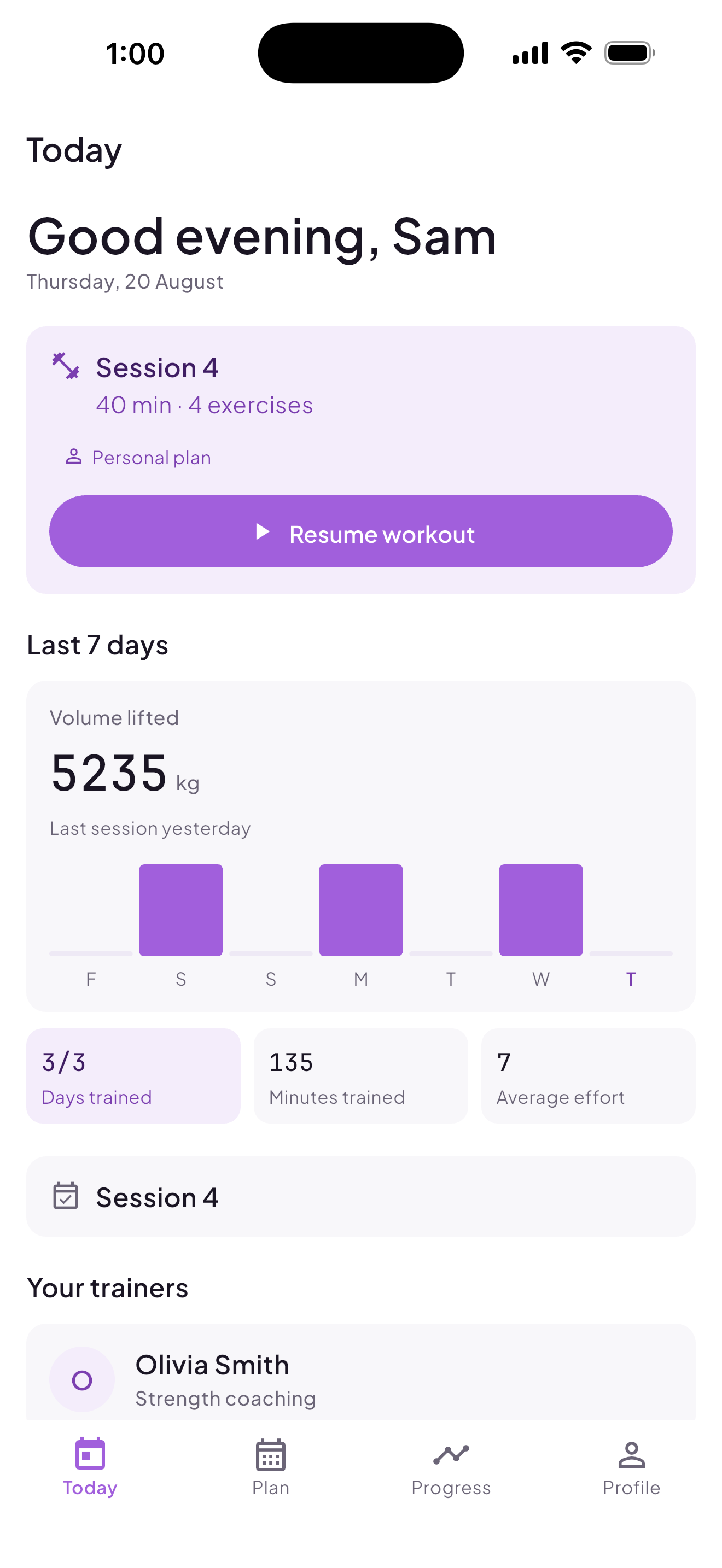
Today's session is waiting on open. Prescribed weight and reps are pre-filled; two taps and it's logged.
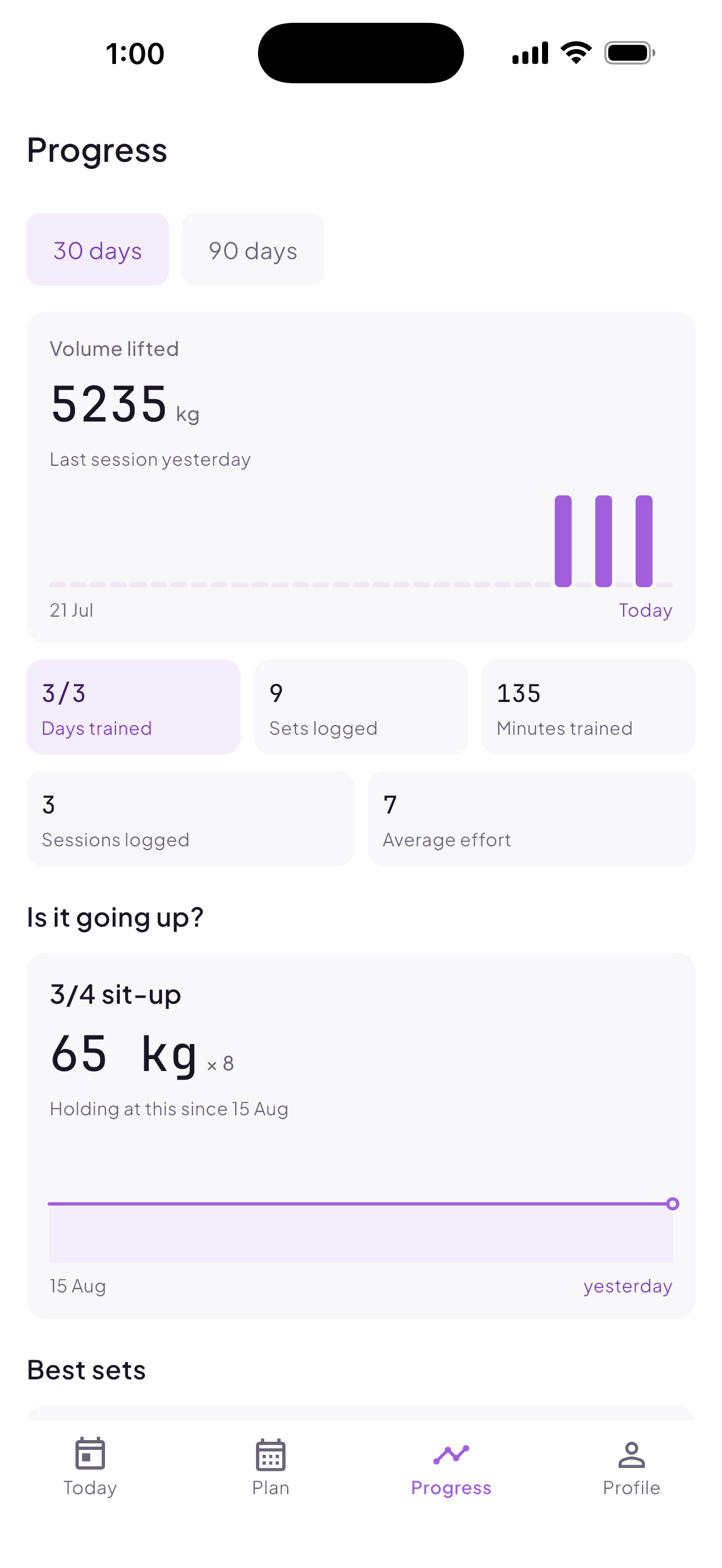
Both of you see the truth
Adherence and volume are computed only from what was actually logged, never from what was written, so the dashboard can't flatter anyone.
Getting started
Pick where you start.
Client
- 1
Sign up in the app.
- 2
Enter the code your trainer gave you.
- 3
Today's session appears. Start it, log your sets, finish.
Trainer– Independent
- 1
Sign up on the web dashboard.
- 2
Build an exercise library, or use the public one.
- 3
Write a plan, assign it to a client or group.
- 4
Share your trainer code; clients join themselves.
Agency
- 1
Apply; an admin approves the agency.
- 2
Create trainer accounts, or send signup links.
- 3
Trainers onboard their own clients; the agency sees roster health across all of them.